


Phishing is the most common way crypto gets stolen, and it rarely looks like an attack. There is no break-in and no alarm. Instead, a message, a website or a support account that looks completely legitimate asks you to do one small thing — connect your wallet, approve a transaction, or share a phrase — and that is enough to empty your funds. This beginner guide explains how crypto phishing scams work, the red flags to watch for, and the habits that keep your assets safe.
What Is Crypto Phishing?
Phishing is a scam where criminals pretend to be someone you trust — an exchange, a wallet provider, a project team or a support agent — to trick you into giving up access to your crypto. Unlike a hack that breaks into a system, phishing breaks into your judgement. The scammer builds a convincing copy of something real and waits for you to act on it.
Phishing matters in crypto more than anywhere else because transactions cannot be reversed. If you approve a malicious transaction or share your seed phrase, the funds are gone within seconds, and there is no bank to call for a refund.

Common Crypto Phishing Scams
Fake support accounts. Scammers create accounts that look like official exchange or wallet support, then reply to people asking for help on social media. They move the conversation to a private chat and ask you to "verify" your wallet by entering your seed phrase on a fake site.
Fake airdrops. You see a post promising free tokens if you connect your wallet and "claim" them. The claim button is a malicious transaction that drains your wallet instead.
Fake websites and apps. Lookalike domains — one letter different from the real exchange or wallet site — host exact copies of the login page. Any credentials or approvals entered there go straight to the scammer.
Fake giveaways and impersonation. A celebrity or project founder supposedly doubles any crypto you send them. Legitimate projects never run send-me-crypto-and-I-will-send-more-back giveaways.
Malicious links in messages. A direct message or email with an urgent warning — "your account will be locked" — pushes you to click before you think.
Red Flags That Give Phishing Away
- Urgency. "Act now or your funds will be lost." Real companies do not rush you into irreversible actions.
- Seed phrase requests. No legitimate service will ever ask for your seed phrase or private key. Anyone who does is a scammer.
- Too-good-to-be-true offers. Free tokens, doubled deposits and guaranteed returns are bait.
- Odd links. Check the domain letter by letter. A single changed character is a classic tell.
- Unexpected approvals. If a site asks you to sign a transaction you did not expect, stop and check what it actually does.
- Unverified contact. Support that reaches out to you first on social media or chat is almost always fake.
How to Protect Yourself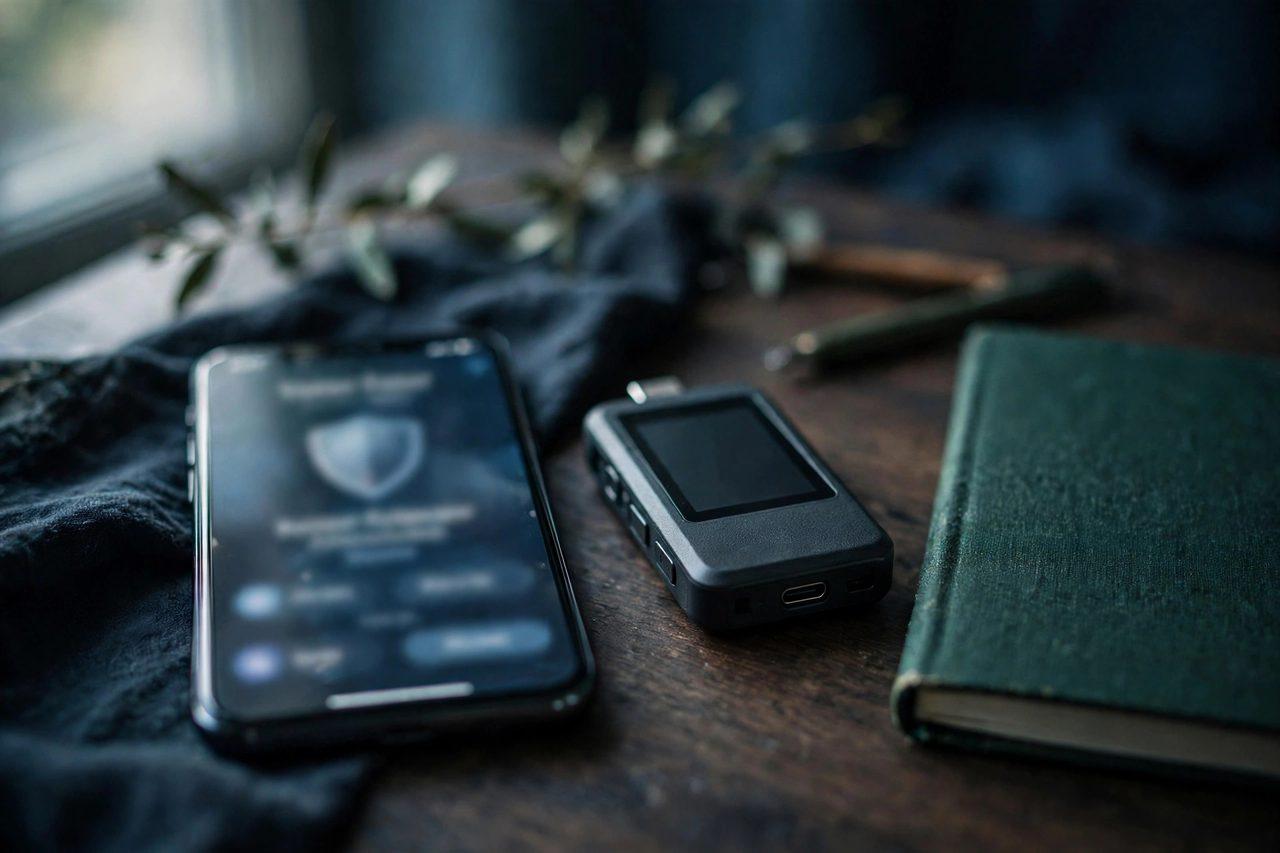
Bookmark the real sites. Only use bookmarks or addresses you typed yourself to reach exchanges and wallets. Never arrive through a link in a message.
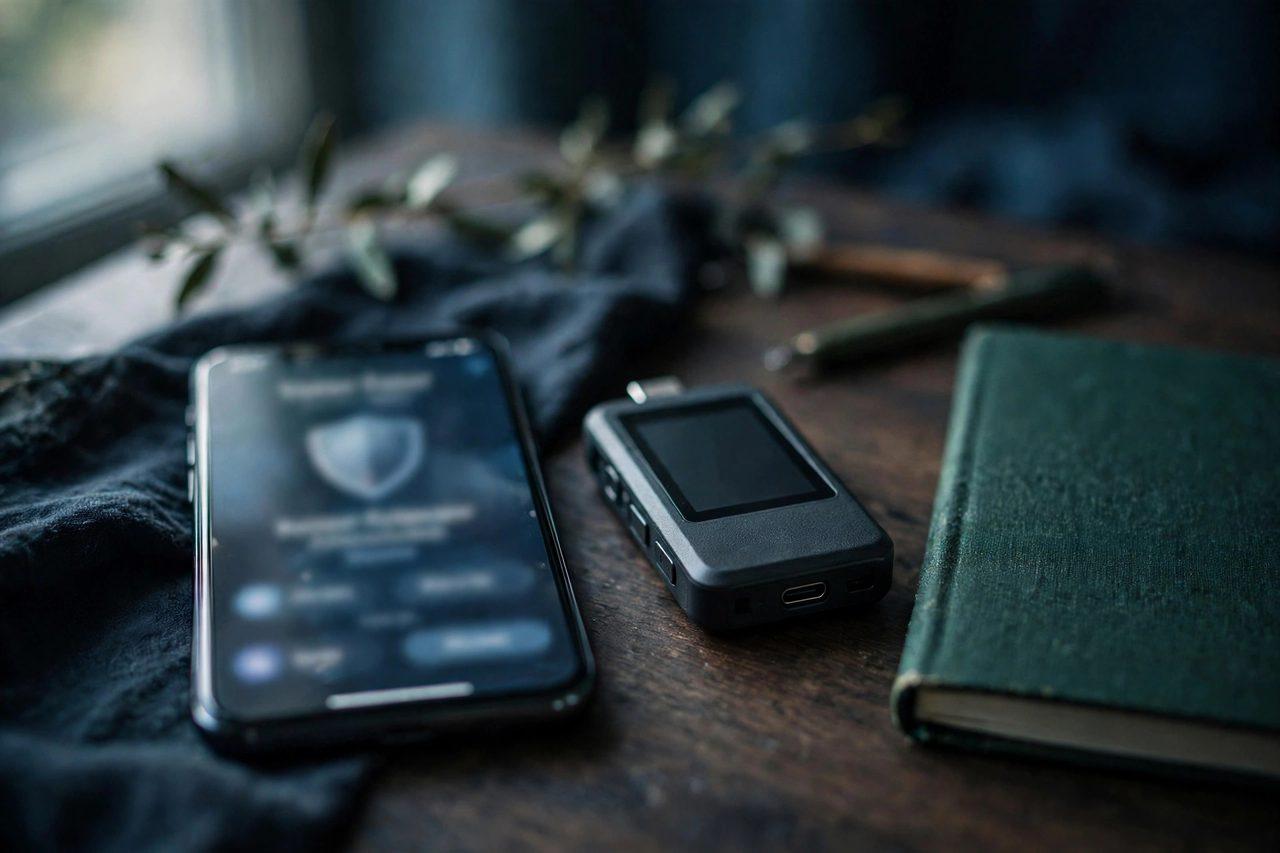
Never share your seed phrase. Write it on paper, store it offline, and never type it into a website or send it to anyone.
Use a hardware wallet. A hardware wallet keeps your private keys offline, so even a malicious site cannot sign transactions without the physical device in your hand. For larger holdings, cold storage is the strongest practical defence.
Check every approval. Before signing, read what the transaction does. If you do not understand it, do not sign it.
Turn on two-factor authentication. Use an authenticator app, not SMS, on your exchange accounts.
Keep a separate wallet for risky clicks. If you want to try a new site, use a fresh wallet with only a small amount in it.
Slow down. Phishing works by making you hurry. When something feels urgent, pause and verify through an official channel.
What to Do If You Clicked a Phishing Link
Do not panic, but act fast. Disconnect your wallet from the suspicious site and revoke its token approvals using a reputable approval-checker. Move any remaining funds to a fresh wallet with a new seed phrase. Change the passwords on your exchange accounts and enable two-factor authentication. If you shared a seed phrase, treat that wallet as compromised and move everything out immediately.
Frequently Asked Questions
Can phishing steal crypto from a hardware wallet?
A hardware wallet protects your keys, but it cannot protect you from approving a bad transaction. Always read the details on the device screen before you confirm.
Are airdrops always scams?
No — real projects do run airdrops. But a real airdrop never asks for your seed phrase or an approval that empties your wallet. Verify any airdrop through the project's official channels.
How do I know a website is the real one?
Use a bookmark you created yourself, check the domain character by character, and look for the project's official links on its verified social accounts.
What should I do if a "support agent" contacts me?
Ignore them. Real support never contacts you first on social media or chat, and never asks for your seed phrase.
Can I get stolen crypto back?
Almost never. Crypto transactions are irreversible, which is why prevention is the only reliable protection.
For a deeper look at keeping your keys offline, read How to Store Crypto Safely: A Hardware Wallet Security Guide — Explained on Zimbuck. Follow the latest crypto news on the Zimbuck News page and join the discussion in the Zimbuck Market News group.
This article is for education only and is not financial advice. Crypto assets are volatile and can be lost to scams as well as to market moves. Do your own research, and never invest more than you can afford to lose.