
Automate ChatGPT to Claude Transfer
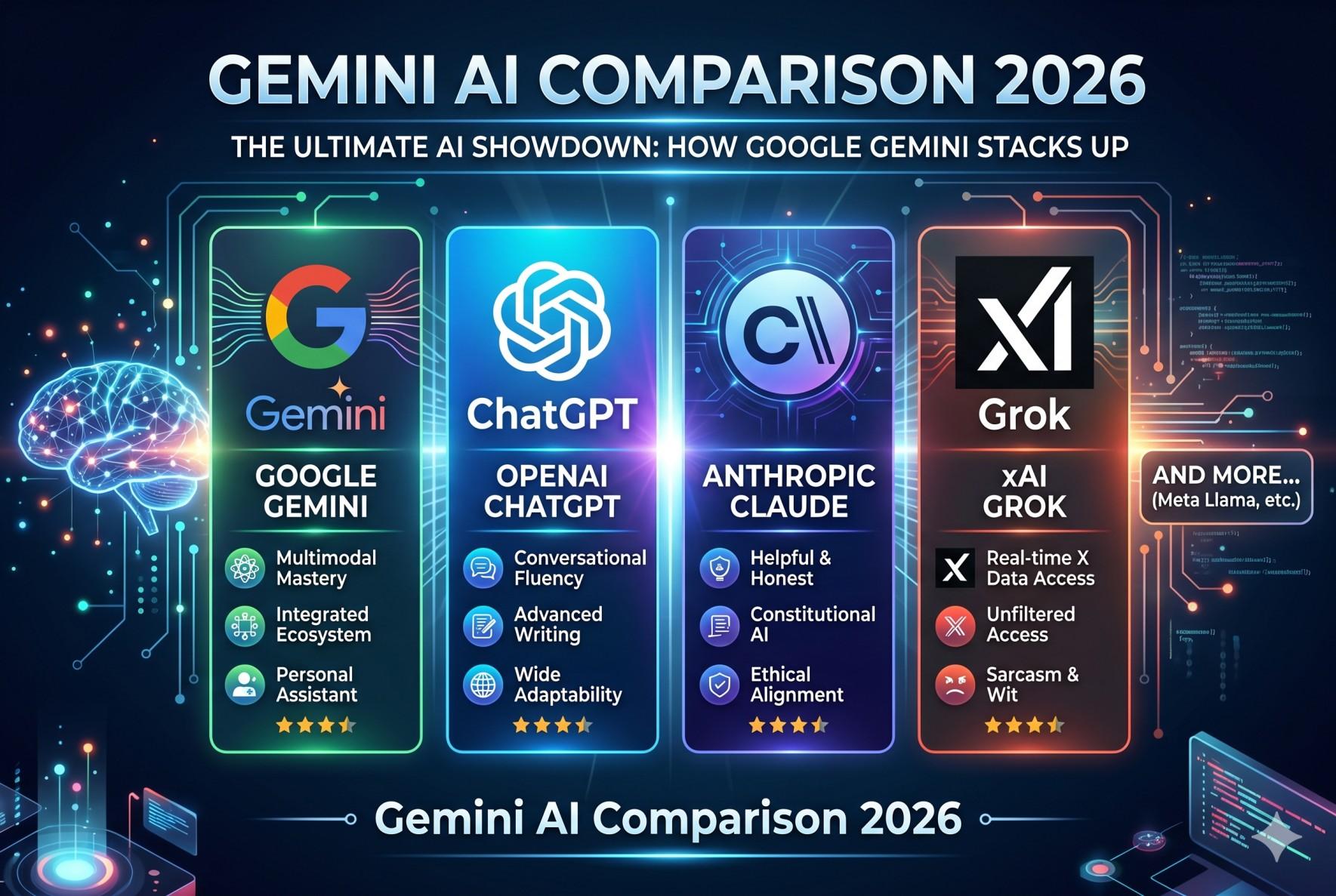
Switching between AI platforms is now common. Many users start projects in ChatGPT and continue them in Claude. Some use ChatGPT for brainstorming and Claude for long-form writing. Others prefer testing prompts across multiple AI tools.
The problem starts when you manually copy every conversation. It takes time. It breaks formatting. It also interrupts your workflow.
This is where ChatGPT to Claude automation becomes useful.
Automation tools now help users transfer chats quickly and safely. You can move conversations without losing structure, prompts, or context. That means better productivity and smoother AI workflow management.
If you work with AI daily, automation can save hours every week.
This guide explains how automated chat transfer works, why it matters, and which tools can help you simplify the process.
Why Automation Matters
AI users handle large amounts of information every day. Writers, marketers, developers, students, and researchers often move between different AI platforms.
Manual transfer creates friction.
You open one platform, copy text, paste it into another window, fix formatting, and repeat the process again. That workflow becomes frustrating after a few transfers.
ChatGPT to Claude automation removes those repetitive steps.
Automation helps users transfer conversations faster while keeping the original structure intact. This creates a smoother working experience and reduces errors.
It also improves productivity.
Instead of spending time organizing copied chats, users can focus on writing, planning, coding, or research. Small time savings add up quickly during daily work.
Automation tools also help maintain conversation continuity.
When prompts stay organized, Claude can understand the previous context better. That leads to stronger responses and more consistent outputs.
Businesses benefit as well.
Teams using multiple AI systems often need organized workflows. Automated chat transfer supports collaboration and reduces confusion across departments.
For content creators, this process becomes even more valuable.
Many creators use ChatGPT for idea generation and Claude for editing or detailed writing. Automated transfer keeps the creative process moving without interruption.
A clean AI workflow is no longer optional. It has become part of modern digital productivity.
Manual vs Automated Transfer
Manual transfer still works for small conversations. However, it becomes difficult when chats grow longer or contain important formatting.
Let’s compare both methods.
Manual Transfer
Manual transfer usually involves:
- Copying text from ChatGPT
- Opening Claude
- Pasting the conversation
- Reformatting broken sections
- Repeating the process multiple times
This method feels simple at first. However, it creates problems during larger projects.
Formatting often breaks during copy-paste. Bullet points may shift. Code blocks may become messy. Long prompts sometimes lose structure completely.
Manual transfer also increases the chance of missing important details.
One skipped paragraph can change the meaning of an entire conversation.
Another issue is speed.
Large chat histories require constant switching between tabs. This slows down the workflow and interrupts concentration.
For casual users, manual transfer may still be acceptable. For professionals, it quickly becomes inefficient.
Automated Transfer
Automated chat transfer solves most of these issues.
Automation tools move conversations directly between platforms while preserving formatting and structure. Users save time and avoid repetitive actions.
A good ChatGPT to Claude automation tool usually offers:
- Faster transfer process
- Better formatting retention
- Organized conversation flow
- Reduced manual effort
- Improved workflow efficiency
Automation also supports scaling.
If you handle multiple AI projects every day, automation helps maintain consistency across conversations.
Writers can move drafts instantly. Developers can transfer debugging discussions faster. Researchers can organize findings without copying endless text blocks.
The difference becomes obvious after regular usage.
Manual transfer feels like extra work. Automated transfer feels like part of the workflow itself.
Best Automation Tools
Several automation tools now support AI conversation transfers. Some focus on workflow automation. Others specialize in direct chat migration.
Choosing the right tool depends on your needs.
Below are some popular options for automate chat transfer workflows.
TransferLLM
TransferLLM is designed specifically for transferring AI conversations between platforms.
It helps users move chats from ChatGPT to Claude without relying on manual copy-paste methods.
The platform focuses on simplicity.
Users can upload exported conversations and transfer them into Claude with minimal setup. This creates a cleaner and faster AI workflow.
TransferLLM also helps preserve chat structure. That means prompts, responses, and formatting stay organized during migration.
For creators and professionals, this reduces editing time significantly.
Another advantage is workflow continuity.
When conversations remain properly structured, Claude can understand previous discussions more effectively. This improves output quality and saves additional prompting time.
The tool works well for:
- Content creators
- AI researchers
- Students
- Developers
- Digital marketers
- Productivity-focused teams
If your daily workflow depends on multiple AI platforms, TransferLLM can simplify the entire process.
Zapier
Zapier is one of the most popular automation tools available today.
It connects apps and automates repetitive tasks across different platforms.
While Zapier is not built only for AI chat transfer, users can create custom automation workflows using integrations and triggers.
Advanced users often use Zapier to:
- Save AI responses automatically
- Trigger workflows after prompts
- Send outputs between connected apps
- Organize AI-generated content
Zapier works best for users who already manage complex digital workflows.
However, setup can take more time compared to dedicated transfer tools.
Make
Make is another strong automation platform.
It allows users to build visual workflows between apps and services.
Many AI users prefer Make because of its flexible automation system. You can create custom pipelines for content management, prompt storage, and workflow organization.
For technical users, Make provides deep customization options.
However, beginners may need time to understand the interface and workflow logic.
Still, it remains a useful automation tool for advanced AI productivity systems.
Browser Extensions
Some browser extensions also support automate chat transfer workflows.
These tools usually focus on quick exporting, copying, or formatting improvements.
Extensions can help users:
- Export conversations faster
- Save prompts locally
- Organize AI chats
- Simplify cross-platform usage
However, extension quality varies widely.
Some tools work smoothly, while others struggle with formatting consistency or privacy concerns.
Before installing any extension, users should review permissions carefully.
How Automation Improves Productivity
AI users often underestimate the amount of time lost during repetitive tasks.
Copying and pasting conversations may seem small. However, repeating the same process daily creates workflow fatigue.
ChatGPT to Claude automation reduces that friction.
Automation keeps the creative process moving.
Writers can continue articles without rebuilding prompts. Marketers can move campaign drafts instantly. Developers can transfer debugging sessions without reorganizing text manually.
This improves focus.
When users stay inside the workflow, they produce better results. Constant interruptions reduce momentum and increase mental fatigue.
Automation also helps teams collaborate more effectively.
Shared workflows become easier to manage when conversations stay organized and searchable. Teams avoid duplicate work and maintain better communication.
Another major benefit is consistency.
Structured transfers reduce formatting issues and missing information. That creates more reliable outputs across different AI systems.
For freelancers and agencies, automation can also increase delivery speed.
Faster workflows mean faster project completion. Over time, this creates a measurable productivity advantage.
Common Challenges During Chat Transfer
Even with automation, users may still face a few challenges.
Understanding them helps create smoother workflows.
Formatting Issues
Some platforms process text differently. Tables, code blocks, and long lists may require small adjustments after transfer.
Dedicated automation tools usually reduce these problems significantly.
Context Limits
Large conversations may exceed AI context windows.
In these situations, users should split long chats into smaller sections before transferring them.
Privacy Concerns
AI conversations sometimes contain sensitive information.
Users should always review the privacy policies of automation tools before uploading important data.
Trusted platforms usually explain how data is processed and stored.
Workflow Compatibility
Not every automation system works the same way.
Some tools focus on simple transfers, while others support complex automation pipelines.
Choosing the right platform depends on your workflow needs and technical comfort level.
Tips for Better AI Workflow Automation
Small improvements can make automation even more effective.
Here are a few practical tips.
Keep Conversations Organized
Use clear titles and structured prompts.
Organized chats transfer more smoothly and remain easier to manage later.
Export Important Chats Regularly
Regular backups reduce the risk of losing valuable AI conversations.
This is especially useful for long-term projects.
Use Dedicated Automation Tools
General automation platforms are powerful, but dedicated transfer tools usually provide better chat formatting and workflow simplicity.
Avoid Unnecessary Prompt Clutter
Short and focused prompts improve transfer quality.
Clean conversations also help Claude understand context faster.
Test Small Transfers First
Before moving large projects, test smaller conversations to verify formatting and workflow compatibility.
The Future of AI Workflow Automation
AI workflows are evolving rapidly.
Users no longer rely on a single platform for every task. Instead, they combine multiple AI systems based on strengths and preferences.
This trend increases the demand for automation tools.
Future automation systems will likely become smarter, faster, and more integrated. Users may soon move conversations across platforms automatically without manual exporting steps.
AI productivity tools are also becoming more collaborative.
Teams want centralized workflows that connect research, writing, editing, coding, and communication inside one ecosystem.
Automation will play a major role in that future.
For creators, agencies, and businesses, workflow efficiency is becoming a competitive advantage.
The users who automate repetitive tasks today will likely work faster and more effectively tomorrow.
FAQs
What is ChatGPT to Claude automation?
ChatGPT to Claude automation refers to tools or workflows that automatically transfer conversations between ChatGPT and Claude without manual copying and pasting.
Why should I automate chat transfer?
Automation saves time, improves productivity, and keeps conversations organized. It also reduces formatting issues during transfer.
Are automation tools safe to use?
Most trusted tools follow privacy standards. However, users should always review privacy policies before uploading sensitive conversations.
Can automation preserve formatting?
Yes. Good automation tools preserve prompts, formatting, and conversation flow much better than manual transfer methods.
Which tool is best for automate chat transfer?
TransferLLM is a strong option for users who want a simple and focused solution for AI conversation migration.
Do I need technical knowledge for automation?
Not always. Some tools are beginner-friendly and require minimal setup, while advanced platforms may need technical configuration.
Final Thoughts
AI workflows continue to grow more advanced every year.
Users now switch between platforms regularly to improve writing, research, coding, and productivity. Manual chat transfer slows that process down and creates unnecessary friction.
ChatGPT to Claude automation offers a cleaner solution.
Automation tools help users move conversations faster while preserving structure and workflow continuity. This saves time, improves focus, and creates a smoother working experience.
Whether you are a creator, marketer, student, researcher, or developer, automation can simplify your daily AI workflow.
The goal is not just speed. The real advantage is maintaining momentum without repetitive manual tasks.

 Arabic
 French
 Spanish
 Portuguese
 Deutsch
 Turkish
 Dutch
Dutch
 Italiano
 Russian
 Romaian
 Portuguese (Brazil)
 Greek
Greek