

How to Lock Down Your Crypto Exchange Account: Passkeys, Withdrawal Whitelists and the Settings Hackers Hate

Most exchange account thefts do not start with broken cryptography — they start with a stolen password, a swapped SIM, or a fake login page. Five settings, set once, close almost all of those doors
After a week in which exchange security dominated crypto headlines, the most useful question for an ordinary user is not what happened to someone else's hot wallet — it is whether your own account would survive a stolen password. The answer, for most people, is a short checklist. None of these settings requires technical skill. All of them are free. And together they turn a single stolen password from a catastrophe into a failed login attempt.
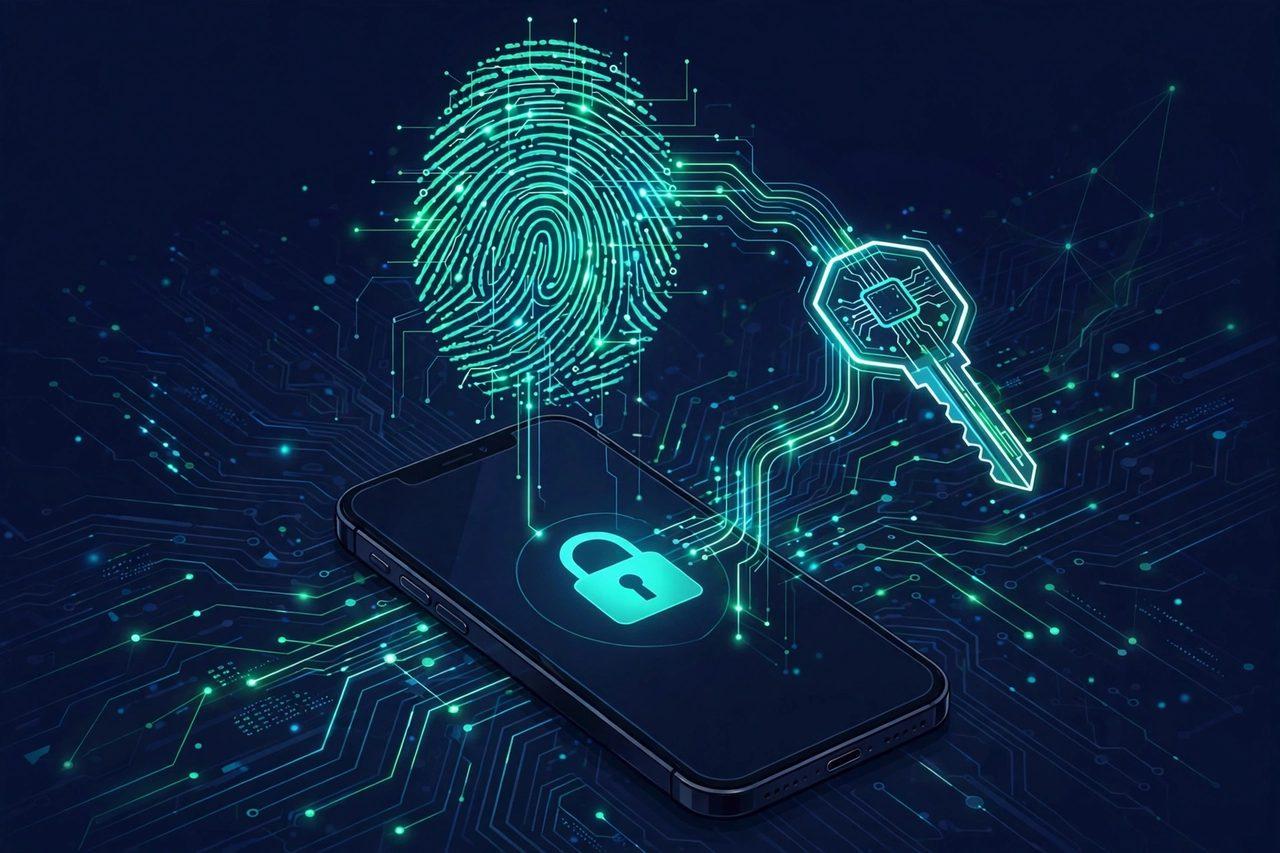
1. Replace SMS codes with a passkey or authenticator app
SMS verification is the weakest second factor: codes can be intercepted through SIM-swap fraud, where an attacker convinces a mobile carrier to move your number to their SIM. An authenticator app keeps codes on your device, so a SIM swap cannot intercept them. Better still is a passkey or hardware security key, which is phishing-resistant by design — it simply will not work on a fake website, because it is bound to the real domain. Set this first, and store your backup codes or recovery key offline, on paper, somewhere a thief cannot reach together with your phone or laptop.
2. Set an anti-phishing code — your watermark on genuine emails
An anti-phishing code is a short word or phrase you choose in your exchange's security settings. Once set, the exchange includes it in its genuine emails. A message claiming to be from your exchange that does NOT contain your code is a warning sign, not a message to click faster. Binance, for example, requires a code of 6–8 characters using at least three of capital letters, small letters, numbers and underscores, and says the code appears in all its genuine emails and SMS. Treat "account frozen" or "withdrawal pending" messages as prompts to open the official app or a bookmarked site yourself — never through the email's button.
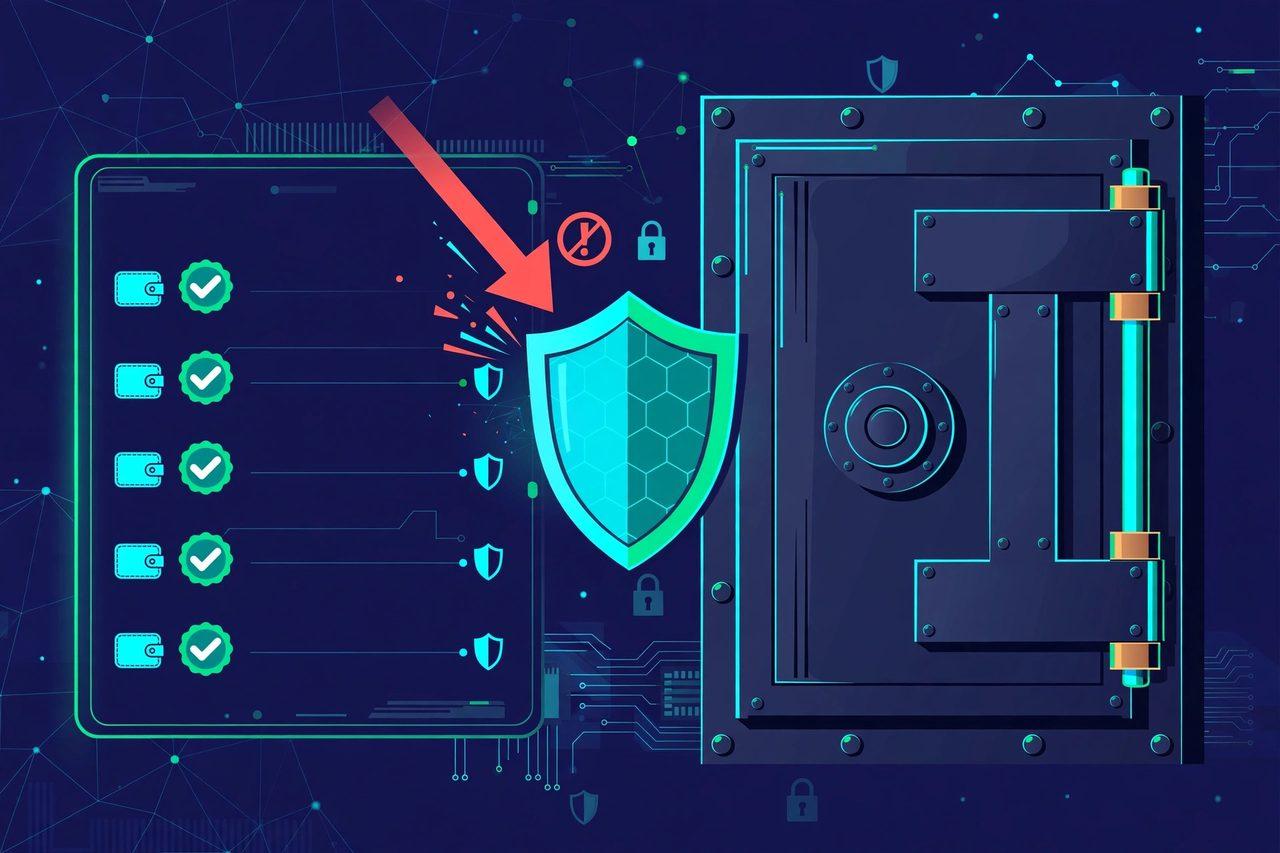
3. Turn on the withdrawal address whitelist — the setting that saves funds even after a break-in
A withdrawal whitelist (also called address allowlisting) means crypto can only be withdrawn to addresses you saved in advance. Even if an attacker gets into your account, they cannot send your coins to their own wallet without first adding it — which needs your second factor and usually triggers a temporary withdrawal hold. That delay is the protection: it gives you time to notice and act. Binance allows up to 200 saved addresses and says adding or changing whitelisted addresses may suspend withdrawals for 24, 48 or 72 hours; Coinbase puts a newly added address under a 48-hour hold. Expect those holds, and plan security changes days before any large transfer — never disable controls right before moving funds.
4. Secure the email behind the account, and clean up devices and API keys
Your exchange account is only as safe as the email linked to it. Give that email a unique password and its own two-step verification, and remove old recovery addresses and phone numbers you no longer control. Then do two cleanups most people never do:
- Devices and sessions: review the active devices and sessions list and end any you do not recognize.
- API keys: delete unused API keys. Old trading-bot keys are a quiet way in — and never give a third-party service an API key with withdrawal permission.
5. If something still goes wrong
Act fast and in this order: change the password from a clean device, revoke sessions and API keys, freeze withdrawals if the exchange offers an account-lock or freeze option, and contact support through the official app — never through a phone number or link in a suspicious message. Never share an OTP, password or seed phrase with anyone, including anyone claiming to be support: legitimate support will never ask for them.
FAQ
Is SMS 2FA better than nothing? Yes — but it is the weakest option. An authenticator app is noticeably more secure, and a passkey or hardware key resists phishing entirely.
What does an anti-phishing code protect against? Fake emails pretending to be your exchange. Genuine mail carries your code; fake mail cannot.
Will a whitelist lock me out of my own funds? No — but new addresses need a hold period (often 24–48 hours), so add addresses before you need them.
Do I still need a hardware wallet? An exchange account is for trading, not long-term storage. For funds you do not trade, a hardware wallet remains the stronger option.
Our guide to setting up a hardware wallet safely is here: https://zimbuck.com/blogs/644/How-to-Store-Crypto-Safely-Wallets-Seed-Phrases-and-the — and the Zimbuck News page is here: https://zimbuck.com/pages/zimbucknews with discussion at https://zimbuck.com/groups/zimbuckmarketnews. A step-by-step exchange-security checklist is here: https://www.teqblogs.com/secure-crypto-exchange-account-india/. This is general educational information only, not financial advice. Join Zimbuck at https://zimbuck.com to follow more crypto security coverage.