

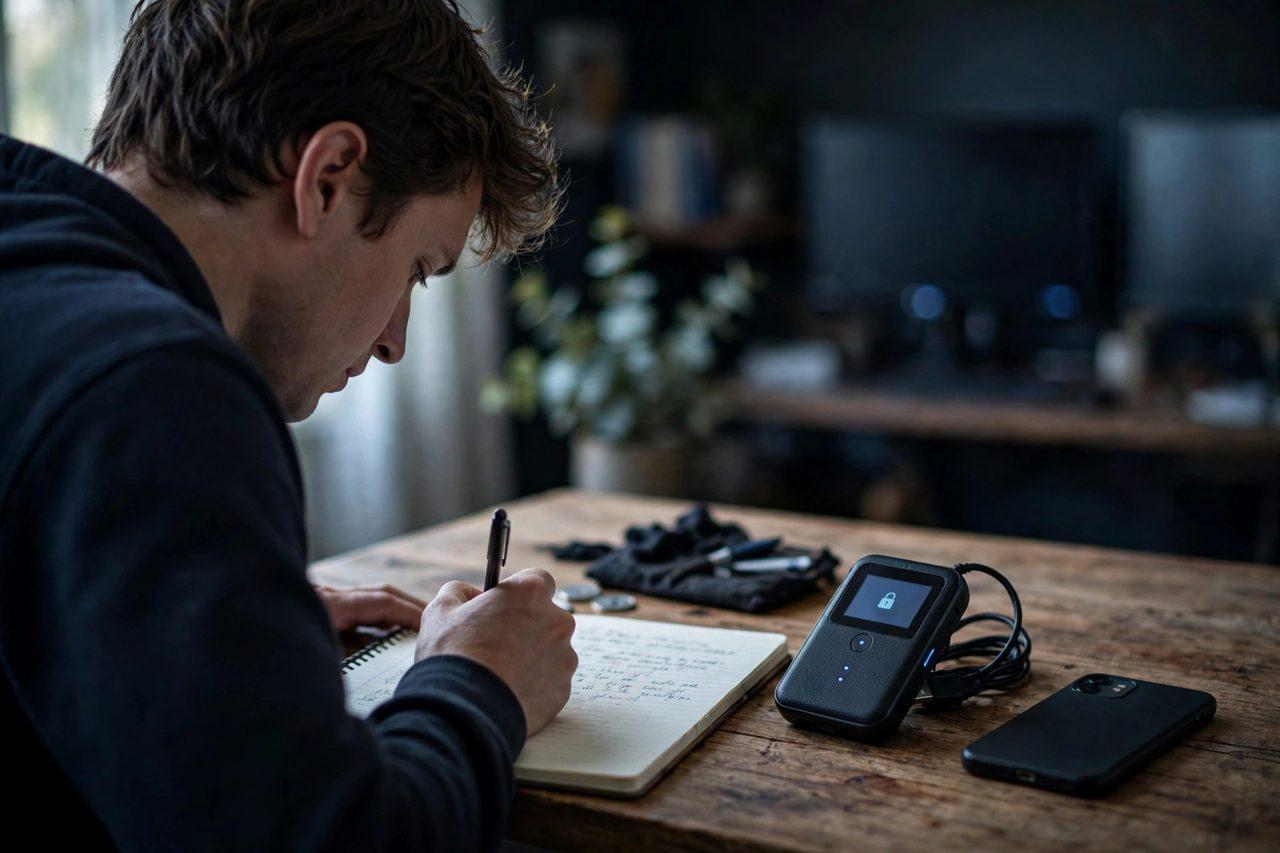
What Is Seed Phrase Phishing? How Fake Breach Alerts Steal Crypto Wallets — and the One Rule That Stops Them

Seed phrase phishing is the highest-value scam in crypto, and it works without hacking anything. A scammer tricks you into typing your wallet's 12 or 24 recovery words into a fake website, app, form or phone call — and with those words, they rebuild your entire wallet on their own device and drain it, irreversibly.
The cruel detail is the costume it wears: urgency. A fake breach alert. A "wallet verification" page. A letter that looks like it came from your hardware wallet maker. This guide, drawing on Zealynx Academy's breakdown of seed phrase phishing, explains the three main disguises and the single rule that defeats all of them.
First: what your seed phrase actually is
Your seed phrase — also called a recovery phrase or mnemonic — is the master backup of a self-custody wallet. Most wallets show 12 or 24 words at setup, generated under the BIP-39 standard. Those words mathematically derive every private key in your wallet, on every chain it controls.
That leads to the one fact everything else follows from:
- Whoever controls the seed phrase controls the crypto.
- The phrase is not a password you can change. There is no reset, no undo, and no fraud department to call.
- No legitimate company stores it for you — a real wallet never has it on a server, which is exactly why there is no "forgot password" recovery for it.
Our cold storage and wallet safety guide covers where long-term holdings should live; this guide covers the attack that empties wallets regardless of where they live.

The three costumes seed phrase phishing wears
1. The fake breach alert. An email or message claims your wallet or exchange account has been compromised and you must "verify" or "secure" it immediately — by entering your recovery words on a linked page. The countdown timer and alarming wording are the weapon. One documented wave traced back to a 2020 customer data leak that exposed names, addresses and emails, which made the fake alerts look personally addressed and real.
2. The fake wallet app or support agent. A lookalike app, a cloned website, or a "support agent" who messages you first asks for the phrase to "fix a problem", "check a balance" or "upgrade" your wallet. Real support never messages first, and no genuine process ever needs your phrase to fix anything.
3. The physical letter with a QR code. In 2026, scammers mailed printed letters on hardware-wallet-style letterhead demanding an urgent "verification". One Ledger user reportedly lost about $1.07 million — roughly 1.071 million DAI — after a mailed letter led them to a fake recovery page. Paper feels official. It is not verification; it is bait.
Notice the pattern across all three: someone contacts you, creates urgency, and asks for the one secret that hands over everything.
The one rule that stops all of it
A real wallet never asks you to enter your recovery phrase on a website, app, email, form or phone call. Your words go only into your own wallet device or app, in a recovery flow that you started yourself — nowhere else, ever.
Any request that breaks that rule is theft, full stop — no matter how official the logo, letterhead or countdown timer looks. This applies equally to the fake "$150 compensation" and "rewards hub" messages that circulated after the October 2026 Binance incident: a real recovery process never asks for your password, two-factor code, or wallet keys, so any message that does is the scam by definition.
How to store the phrase so phishing is your only worry
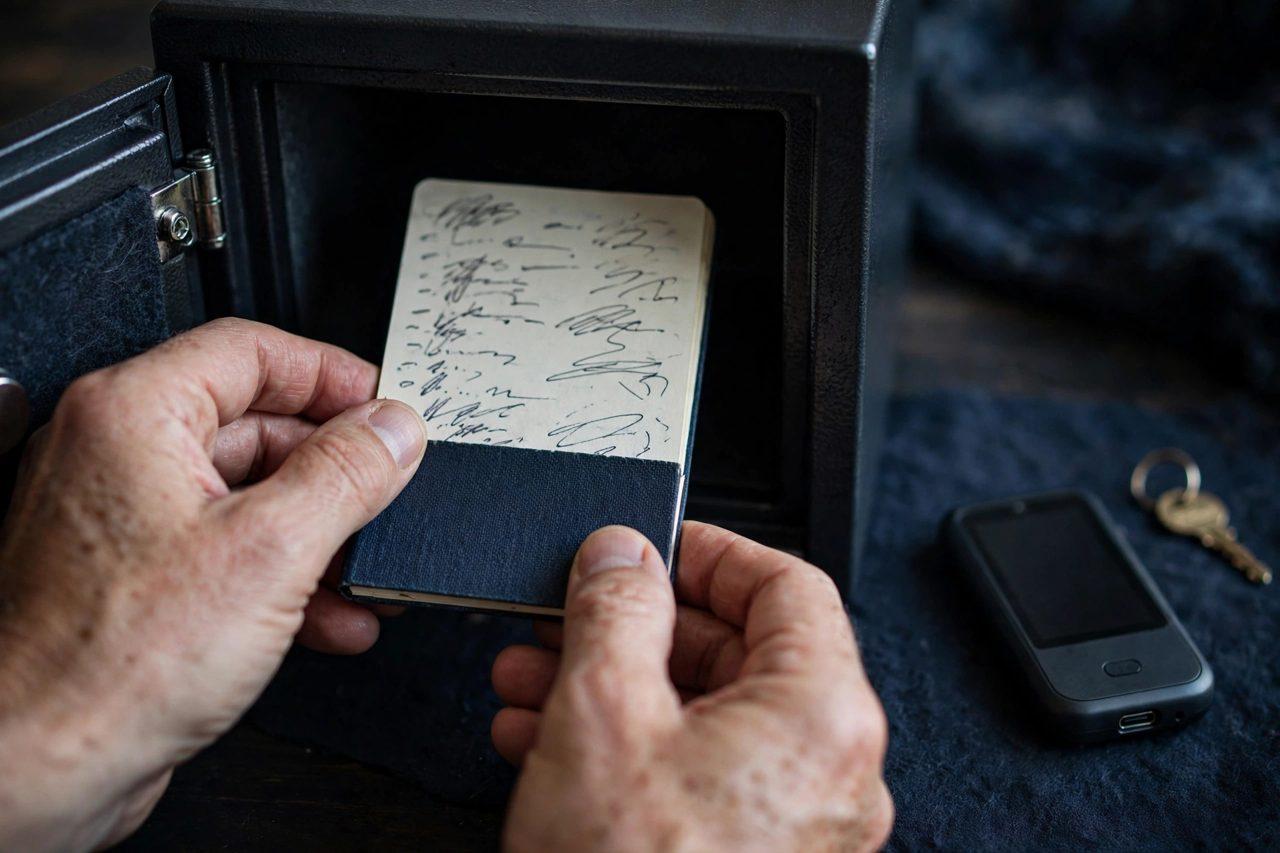
- Write it down offline — on paper or stamped into metal — during setup.
- Never store it digitally: no screenshots, notes apps, cloud drives, email drafts or photos.
- Keep two copies in separate secure places (for example a home safe and a deposit box) so fire, flood or theft at one spot cannot end your access.
- Never share it with support, friends, community moderators or anyone who asks — for any reason.
- For larger holdings, consider splitting risk across wallets; our multisig wallet guide explains how requiring multiple approvals removes the single-point-of-failure problem entirely.
Share warnings and compare scam reports with other users on the Zimbuck News page and in the Zimbuck Market News group — these waves move fast, and community alerts save wallets.
FAQ
What is seed phrase phishing? Any scam that tricks you into revealing your wallet's 12 or 24 recovery words — via a fake site, app, email, call, letter or QR code — so the attacker can rebuild and drain your wallet.
Can a real company ever need my seed phrase? No. There is no scenario in which a legitimate company needs your recovery words to verify, fix, upgrade or compensate anything.
What should I do if I already entered my phrase somewhere suspicious? Move your funds to a brand-new wallet with a new phrase immediately, from a clean device if possible. Once a phrase may be exposed, that wallet is permanently unsafe.
How should I store my seed phrase? Offline, physically — paper or metal — in secure locations, with a second copy elsewhere. Never digitally, never photographed, never shared.
This article is general educational information only, not financial advice. Join the conversation on Zimbuck — the finance social platform for traders and investors.