

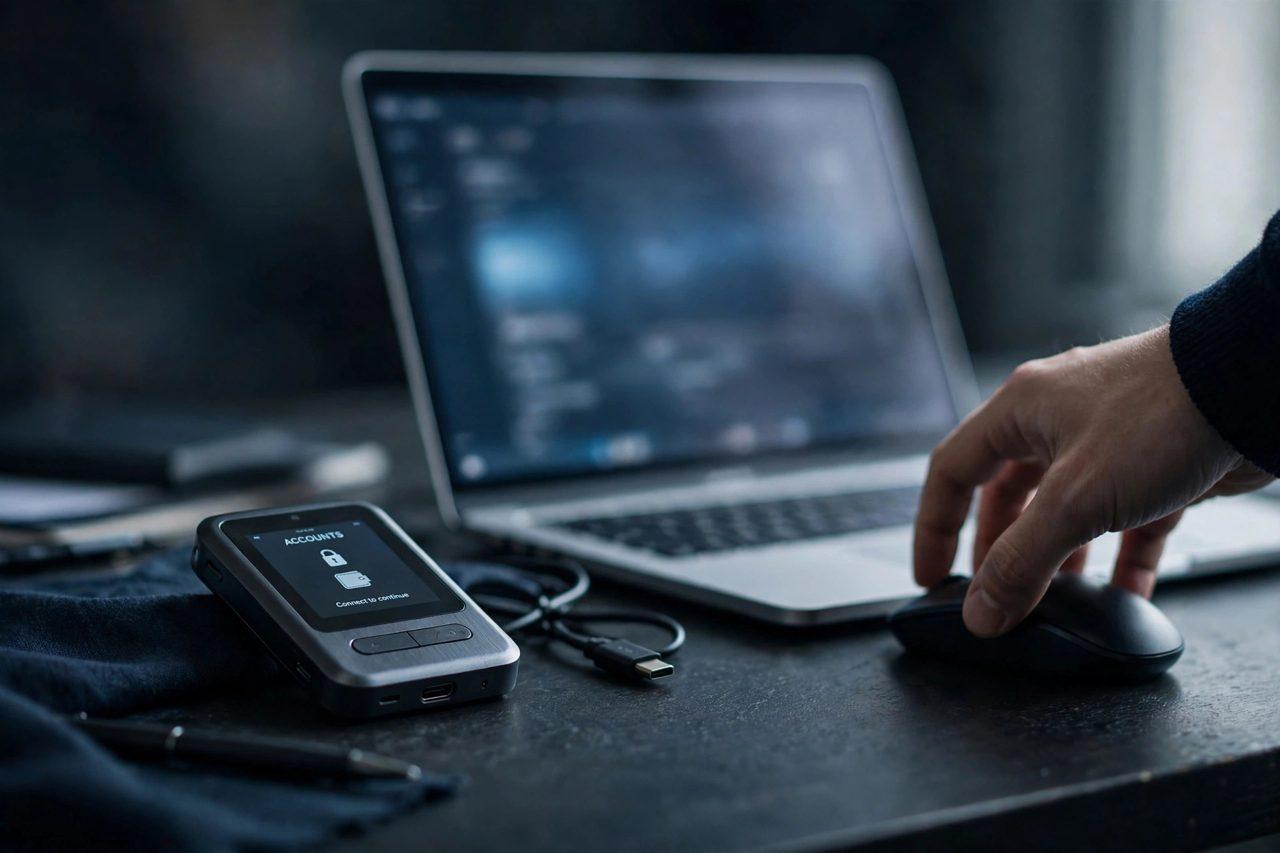

Your crypto wallet can have a strong password, a hardware key and a seed phrase locked in a safe — and still be drained in an afternoon. The weak point is not your wallet at all. It is your phone number. A SIM swap attack lets a criminal take over your mobile number, and with it the text-message codes that guard your exchange accounts, your email and your password resets.
The attack is simple in concept and frightening in practice. The criminal gathers a few personal details about you — often from a data breach, a phishing message or your own social media — then calls your mobile carrier pretending to be you. They claim the phone was lost or stolen and ask for the number to be moved to a SIM card they control. Once the carrier makes the switch, your phone goes silent and theirs starts receiving your calls and texts. Every SMS code meant for you now lands in the attacker's hands. Security basics like this are covered regularly on the Zimbuck News page.
How a SIM swap leads to a drained wallet
With control of your number, the attacker works through your accounts one by one. They request a password reset on your email account and approve it with the SMS code. Inside your email they find which exchanges you use, then reset those passwords the same way. If your exchange login uses SMS two-factor authentication, the attacker already has that code too. From there they can change the withdrawal address, disable security notifications and move funds out — often before you even notice your phone has lost signal.
The speed is the point. A SIM swap victim typically discovers the problem only when their phone shows "No Service" or their exchange sends an alert to an email the attacker already controls. By then the funds may be gone, and crypto transactions cannot be reversed. That is why the attack is a favourite of the same criminals who build the traps in our guide to spotting a fake crypto wallet app: the theft happens at the moment trust is abused, not at the moment the money moves.

Warning signs your number has been swapped
- Your phone suddenly loses service in a place where you normally have signal, and restarting it does not help.
- You cannot log in to your email or exchange accounts because the password has been changed without your knowledge.
- Your carrier sends a message about a SIM change or port-out that you did not request.
- You stop receiving texts and calls while your contacts can still reach you on messaging apps over Wi-Fi.
If any of these happen, treat it as an emergency: contact your carrier from another phone, freeze the number, then check your email and exchange accounts from a secure device and change every password.
How to protect your crypto accounts from SIM swaps
- Stop using SMS for two-factor authentication. Switch every exchange and email account to an authenticator app or a hardware security key. An app-based code lives on your device, not on your phone number, so a swapped SIM gives the attacker nothing.
- Put a PIN or passcode on your carrier account. Ask your mobile provider for a port-out block and a separate account PIN that must be given before any SIM change. This one step stops most swap attempts cold.
- Keep your phone number out of your crypto life. Use a separate email address for exchanges, and never post your number or link it publicly to your trading activity.
- Use a separate number for account recovery where possible, and keep the number tied to your exchanges known to as few services as possible.
- Watch for phishing. Attackers often collect the personal details they need for a swap through fake support messages and lookalike login pages. Verify every message through the official app or website, never through a link in a text.
What to do if it happens to you
Act in this order: call your carrier immediately and report an unauthorised SIM change, asking them to restore your number and freeze changes. Then, from a device you trust, change the passwords on your email and exchange accounts and remove SMS as a recovery method. Check withdrawal addresses and recent sessions for anything unfamiliar, and contact each exchange's support team to freeze withdrawals if you see activity you did not make. File a report with your local police and keep the carrier's records — they are your evidence if funds are traced later. Crypto holders share recovery stories and prevention tips in the Zimbuck Market News group.
FAQ
What is a SIM swap attack?
It is a fraud in which a criminal convinces your mobile carrier to move your phone number to a SIM card they control, letting them receive your calls and text-message security codes.
Can a SIM swap drain my wallet directly?
Not the wallet itself, but the attacker can reset the passwords of your email and exchange accounts using SMS codes, then withdraw funds from the exchange.
Does a strong password protect me?
Only partly. If your accounts can be reset by SMS, a strong password is bypassed entirely. Authenticator apps or hardware keys close that gap.
How do I know if my number has been swapped?
The clearest sign is your phone losing service unexpectedly, followed by password-reset emails or login alerts you did not trigger.
Should I remove my phone number from my exchange account?
Where the exchange allows it, replace SMS two-factor authentication with an authenticator app or hardware key, and keep your number only where it is truly required.
Your phone number is a key to your crypto accounts — guard it like one. A carrier PIN and an authenticator app cost you ten minutes to set up and can save you everything. Join the conversation on Zimbuck, the finance social platform for traders and investors. This article is general educational information only, not financial advice.