

How to Set Up Two-Factor Authentication for Crypto Accounts: Authenticator Apps vs SMS

A strong password is one lock on the door. Two-factor authentication — 2FA — adds a second lock that a thief cannot copy from a leaked password list, and on a crypto account it is often the only thing standing between an attacker and an empty balance.
This guide explains the three common second factors, why security researchers rank them the way they do, and the setup mistakes that lock honest users out of their own accounts. Follow security guides like this one on the Zimbuck News page.
The three kinds of second factor
- SMS codes — a six-digit code texted to your phone. Better than nothing, but the weakest option: codes can be intercepted, and attackers who convince a mobile carrier to move your number to their SIM card receive your texts instead.
- Authenticator apps — an app on your phone generates a fresh code every 30 seconds from a shared secret created when you enrol. Nothing travels over the phone network, so SIM attacks do not touch it.
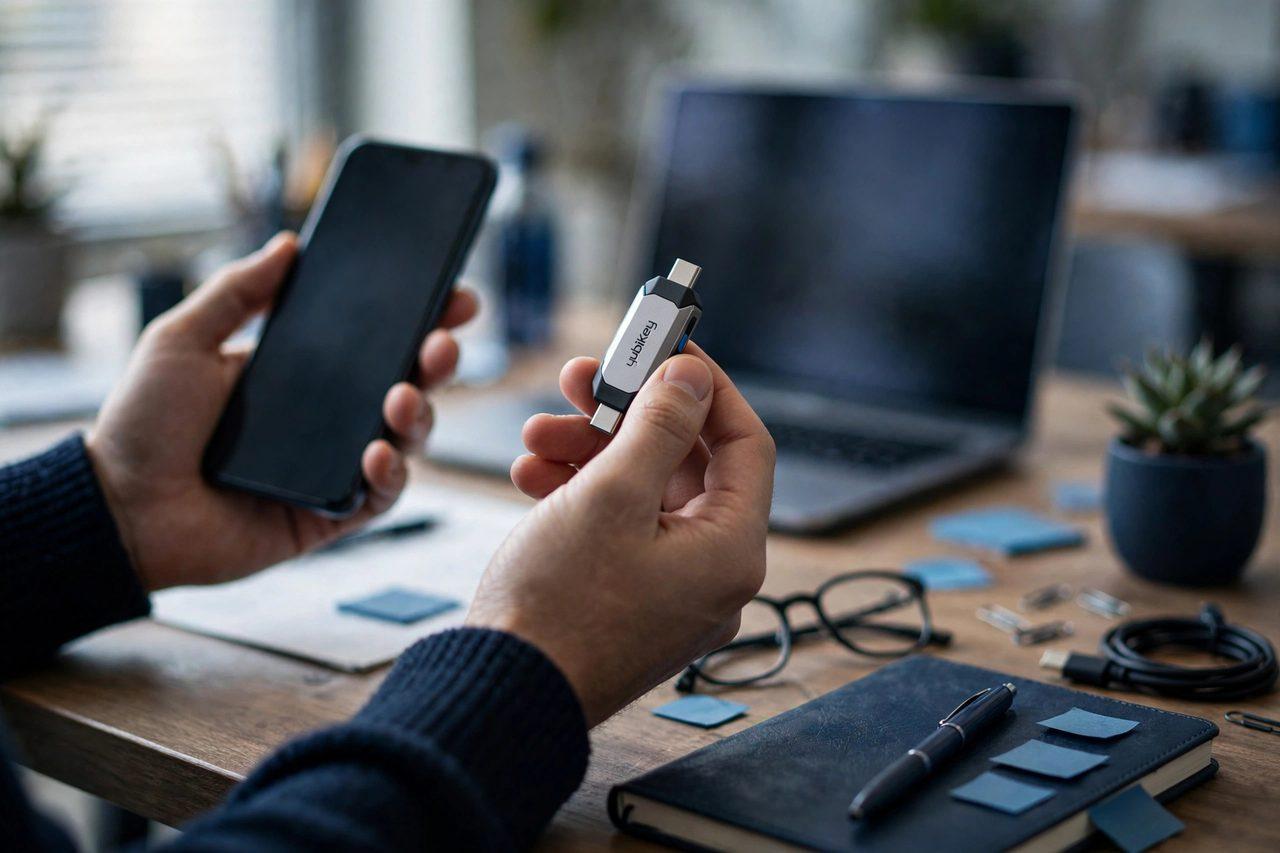
- Hardware security keys — a small physical device you tap or plug in to approve a sign-in. The strongest option, because approving requires holding the actual object; the main risks are losing it or having no backup.
Setting it up properly, step by step
- Start from the account's security settings — never from a link in an email or message; type the address yourself.
- Choose an authenticator app or a hardware key over SMS wherever the service offers the choice.
- Save the backup codes before you finish — write them on paper and store them somewhere safe offline. This step is skipped constantly and regretted constantly.
- Test a sign-out and sign-in while you still have access, so a mistake surfaces now, not during a market panic.
- Repeat for your email account — the mailbox that can reset your exchange password needs 2FA just as much as the exchange does.
Members share what worked (and what locked them out) in the Zimbuck Market News group.
The mistakes that cause most lockouts and losses
Most 2FA failures are not exotic hacks. They are: keeping backup codes in the same cloud account the 2FA is protecting; approving a sign-in prompt you did not start, just to make it stop; leaving SMS as the recovery method even after adding an app, which quietly keeps the weakest door open; and photographing a setup QR code into a synced photo library. Treat any unexpected code or approval request as a warning sign, not a nuisance — it usually means someone already has your password.
Our recent Crypto Security coverage on Zimbuck follows the scams and breaches these habits defend against, and it is the right companion read: How to Spot a Fake Crypto Website: A Beginner's Safety Guide
What 2FA cannot do
2FA protects sign-ins. It does not protect a wallet whose recovery phrase has been handed over, it does not stop you approving a malicious transaction inside a signed-in session, and it cannot help an account on a service that never offered it. It is one layer — the layer that stops the most common account-takeover route — and it works best alongside unique passwords from a password manager and a healthy suspicion of urgent messages.
Frequently asked questions
Is SMS 2FA better than no 2FA? Yes — it still blocks casual password-only attacks. But an authenticator app or hardware key is stronger, because SMS can be defeated by SIM-swap and interception attacks.
What happens if I lose my phone? You sign in with the backup codes you saved during setup, then enrol the new device. Without backup codes, recovery means the service's identity checks, which can take days and are not guaranteed.
Should my email have 2FA too? Absolutely. Whoever controls your email can usually reset your other passwords, so the mailbox is the master key and deserves the strongest second factor you have.
Can an attacker bypass 2FA by calling support? Weak support processes are a known attack route, which is why backup codes stay offline and why you should set every extra account-recovery lock the service offers.
How many accounts should have 2FA? Every account that can move money or reset one that can — exchanges, email, banking and your password manager itself.
Ten careful minutes today can be the difference between a scare and a total loss. Join the discussion at Zimbuck.
This article is market news and general information only, not financial advice.